Quick Start
The emonitor commands can be executed from a terminal (or Anaconda prompt).
Configure the sensors for a (fake) serial device called fake.
$ emonitor set fake --key sensors --value A B C
Next, create an SQLite database to store the fake data.
$ emonitor generate fake
Creating fake.db with columns ('A', 'B', 'C')
And finally, start the service.
$ emonitor run fake --live --output --wait 10
Starting emonitor. Use Ctrl-C to stop.

          TIMESTAMP            A            B               C
2018-05-12 13:20:44      292.7695    293.5649        293.9454
2018-05-12 13:20:54      292.9262    293.5138        293.9303
2018-05-12 13:21:04      293.0826    293.3233        294.0555
2018-05-12 13:21:14      293.1931    293.4301        294.0839
This queries the device for its sensor readings. Waits. And repeats.
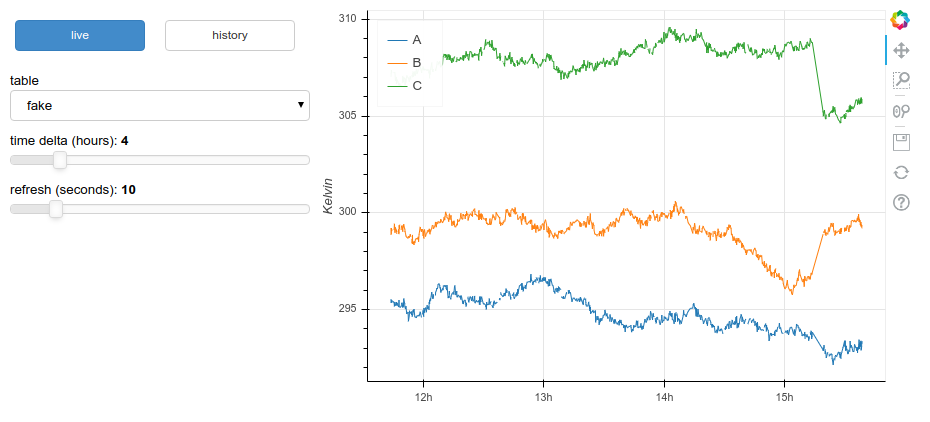
To plot the recorded data in a browser using bokeh, launch another terminal and execute:
$ emonitor plot --show